
Figma for Wireframing: Features & Workflow
Collaborative UI/UX design and scalable design systems
Figma is widely considered the dominant collaborative interface design tool. Teams use it from initial low-fidelity wireframing all the way to high-fidelity component libraries and developer handoff. With real-time multiplayer editing, auto-layout, and robust community plugins, it eliminates friction between product teams.
Interface & Workflow Overview
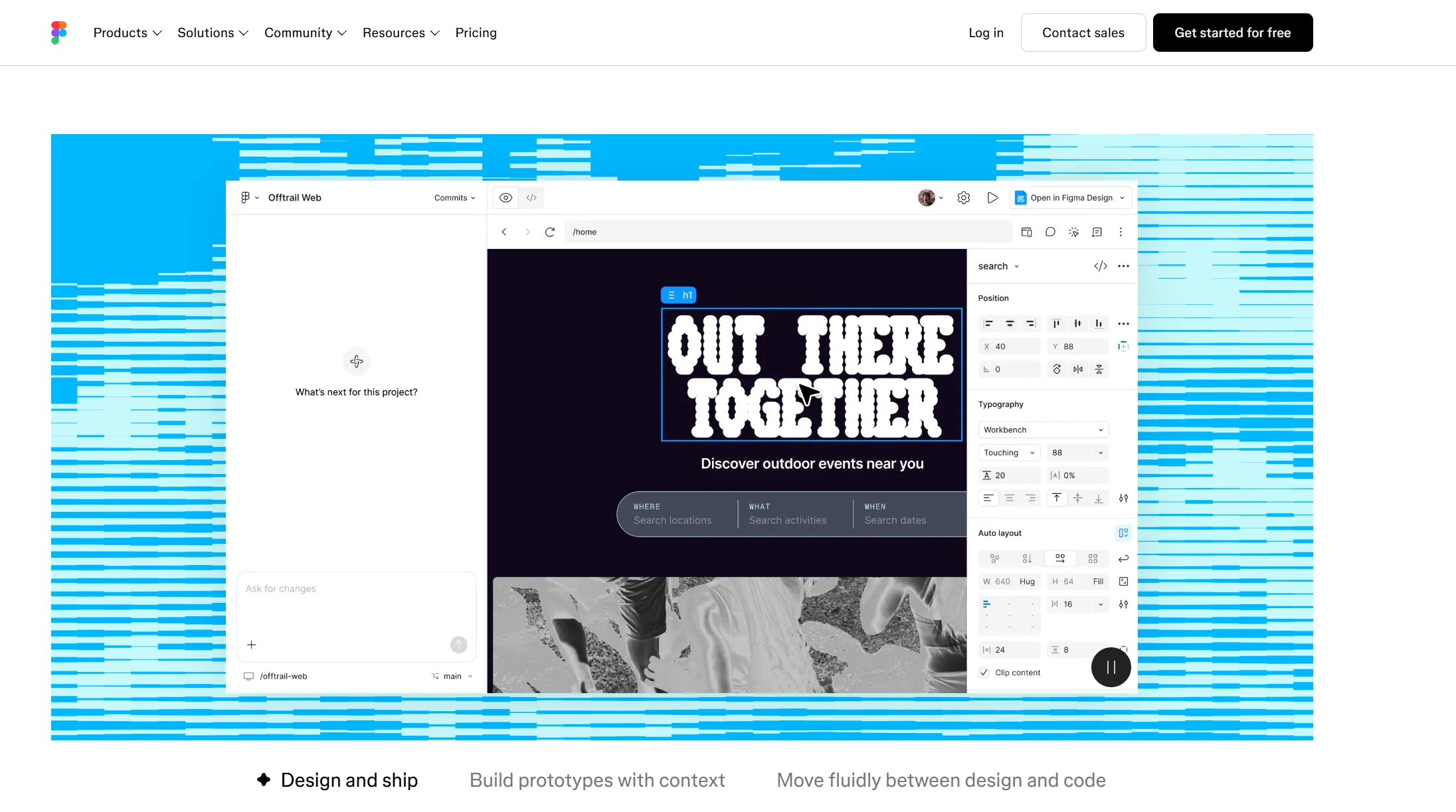
* Wireframe canvas layout generated from published vendor stencil architectures.
Key Advantages
- ✓Unmatched real-time multiplayer collaboration
- ✓Massive ecosystem of UI kits and wireframing libraries
- ✓Seamless progression from sketch to production design system
Documented Limitations
- —Steeper learning curve than dedicated rapid-sketch wireframe tools
- —Performance can degrade with massive multi-page design files
- —Can feel heavyweight when you only need a 5-minute low-fi layout
Verified Pricing & Plan Tier Breakdown
Audited 2026-03Free Starter tier (3 files, unlimited collaborators); Professional from $12/editor/mo billed annually ($15 monthly); Organization from $45/editor/mo.
Technical Specifications Matrix
- License Model
- Proprietary Commercial
- Permanent Free Plan
- Yes, Available
- Free Trial Period
- Full Trial Available
- AI Capabilities
- text to wireframe, ai copy, ai components
- Collaboration Engine
- real-time editing, comments, sharing, version history, team workspaces
- Export Formats
- PNG, PDF, SVG
- Primary Target Use Cases
- website, mobile app, prototype, UX research
Frequently Asked Questions About Figma
Verified technical answers regarding wireframe creation, collaboration limits, and licensing in Figma.
Can you create wireframes in Figma?▼
Is Figma free for wireframing?▼
Can Figma create interactive wireframe prototypes?▼
Alternative Tools & Competitors
Other software built for UI & Prototyping and Both wireframing workflows.
 Axure RP
The gold standard for advanced interactive wireframing, conditional logic, dynamic content, and complex enterprise prototypes.
Free Trial · View profile → Penpot
The leading open-source, web-based design and prototyping platform built on open web standards like SVG and native CSS Flex/Grid.
Free · View profile → UXPin
Advanced design and prototyping platform featuring code-backed components, state logic, interactive variables, and component-driven workflows.
Free Trial · View profile →